Automation
Mar 19, 2026
Workflow Automation with n8n: A Starter Guide for Non-Technical Teams
Manual data entry, repetitive email sending, and moving information between platforms eat up your team's time. Workflow automation tools like n8n automate these processes, freeing your team to focus on work that actually matters.
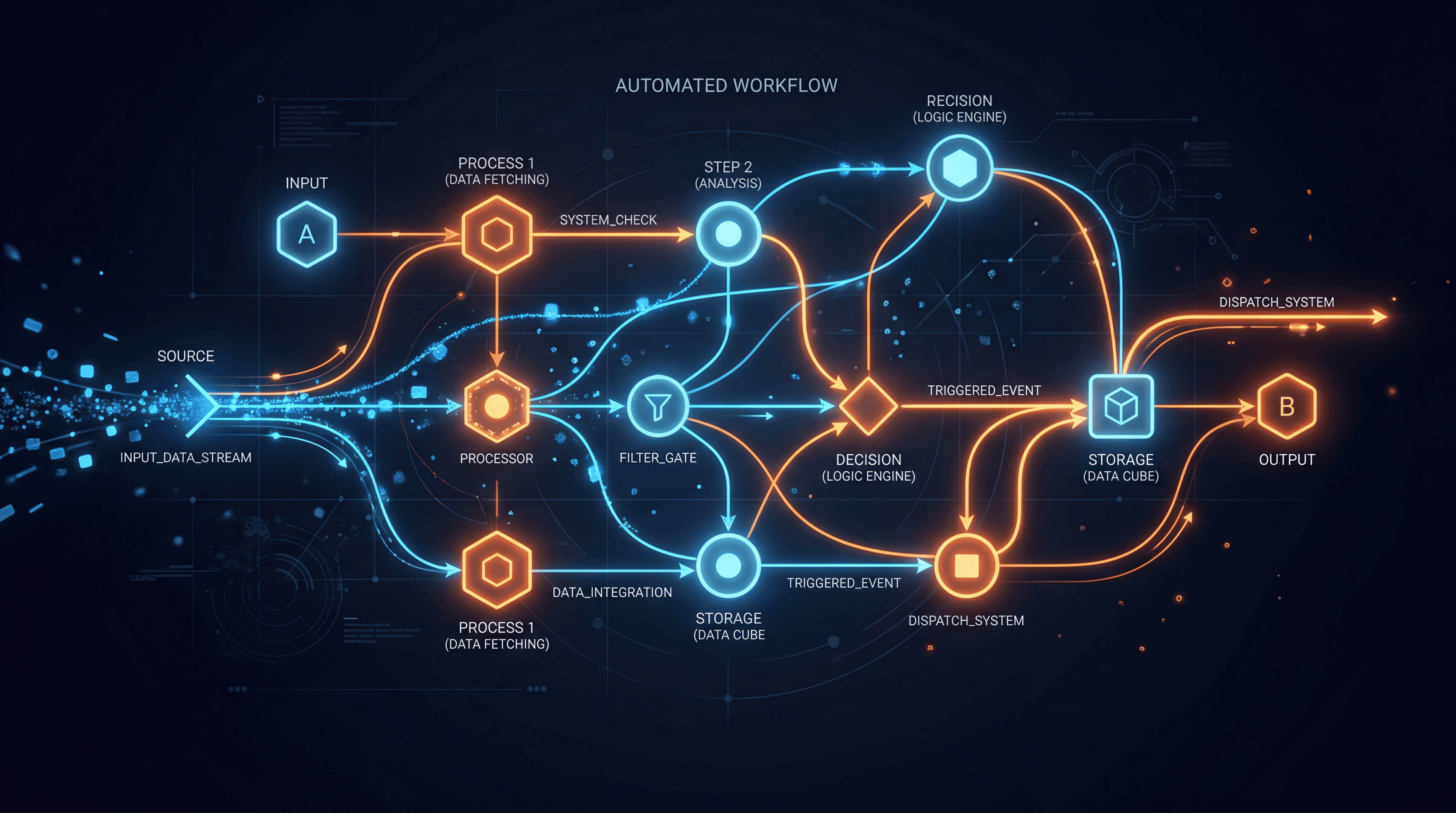
Manual data entry, repetitive email sending, and moving information between platforms eat up your team's time. Workflow automation tools like n8n automate these processes, freeing your team to focus on work that actually matters.
## What Is Workflow Automation?
Simply put, it is when an event on one platform automatically triggers an action on another. For example, when a customer fills out a form on your website, their information is automatically added to your CRM, the sales team gets notified, and the customer receives a welcome email.
## Why n8n?
n8n is an open-source automation platform. Compared to alternatives like Zapier and Make, the ability to self-host provides significant advantages in terms of data privacy and cost.
Workflows are built through a visual interface — you connect platforms using drag-and-drop logic. Over 400 integrations come built-in: Google Sheets, Slack, Gmail, CRM systems, databases, and more.
## Common Automation Examples
Lead management is one of the most popular use cases. Form data from your website is automatically transferred to your CRM, the lead is scored, and assigned to the appropriate sales representative.
Reporting is another frequently automated area. Weekly sales reports are automatically compiled from different sources and sent to the team via email.
Customer communication is also well-suited for automation. Order confirmations, shipping notifications, and satisfaction surveys are triggered automatically.
## What Happens When You Add AI?
When you add an AI layer to n8n workflows, things go to the next level. Automatically categorizing incoming emails, performing sentiment analysis on customer reviews, and summarizing documents all become possible.
For example, when a support ticket arrives, AI first analyzes the urgency and topic, routes it to the correct department, and generates a draft response.
## Where to Start
The most effective approach is to identify the repetitive task your team spends the most time on and start there. Automating a single workflow can save hours every week. For complex automation needs, getting expert support accelerates the process.